Lab 1 – Getting Started
Welcome to the lab. This page shows how text, code, callouts and screenshots look in MkDocs.
Step 1: Start the local preview
Open a terminal and run:
mkdocs serve
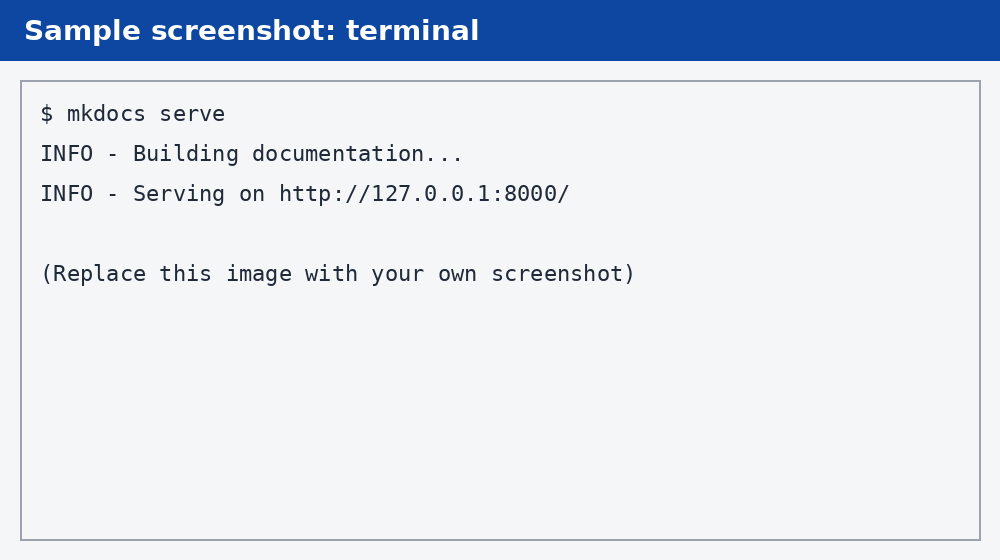
You should see output similar to this:
Tip
Leave mkdocs serve running. Every time you save a .md file, the browser page refreshes automatically.
Step 2: Resize an image
Add { width="500" } after an image to control its size:
Use relative paths
Always reference images as images/filename.png, never as a full path on your Mac
(like /Users/you/Desktop/...). Relative paths work both locally and on Cloudflare.
That completes Lab 1.